Every coding agent.
One calm inbox.
Shipwright Lab turns your terminal into a vertical inbox of projects and surfaces the local coding agents that need your attention. Agents waiting on input rise to the top; everything else stays quiet.
Signed & notarized · Requires macOS 13+ · Apple Silicon + Intel
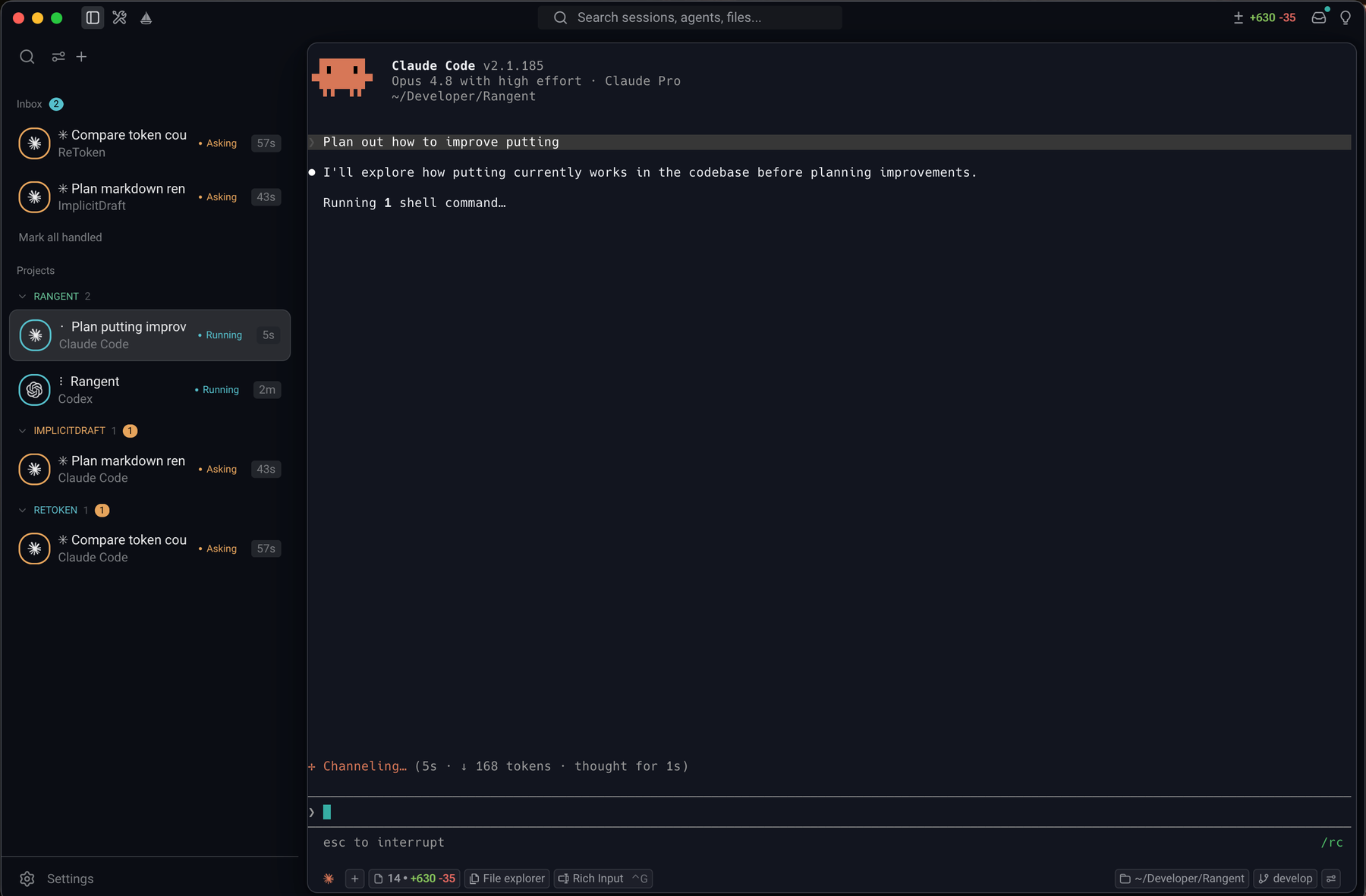
Drives the local agents you already run
Run a dozen agents at once, never lose the thread
Kick off as many agents as you want across every project and let them work in parallel. Shipwright watches each session and pulls the ones that need a decision to the top with a status dot. The moment an agent asks a question or finishes a run, you know. When every agent is heads-down, it simply reads "Nothing needs attention."
- Track every running agent in one place, grouped by project
- Live Asking / Running / Done states, sorted by who's waiting on you
- Unread badges and input-needed alerts so nothing finishes unnoticed
- Quiet by default, no noise when nothing needs you

Your machine. Your agents. Your keys.
Shipwright Lab drives Claude Code, Codex, and other local CLI agents through local hooks (OSC 777). Nothing is brokered through a server; there's no account to create and no session leaves your Mac.
- Connects via standard terminal hooks (OSC 777)
- Bring your own CLI agents and credentials
- No cloud relay, no telemetry, no sign-in
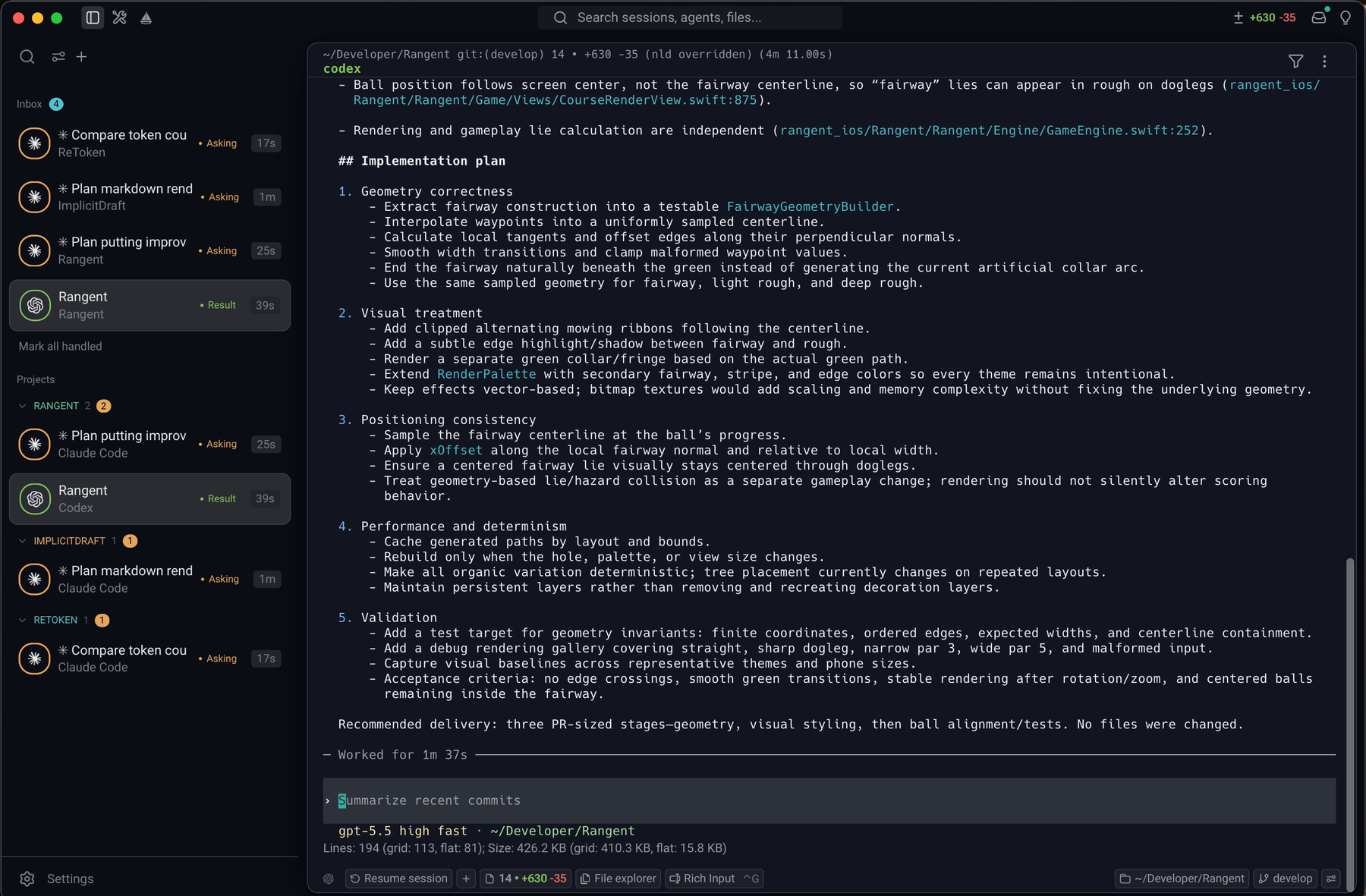
Pick up exactly where you left off
Close a tab, quit the app, or come back tomorrow, and your agent conversations are still there. Shipwright reliably reattaches to each Claude Code and Codex session, so one click drops you back into the full context with history intact. Resume a single tab, or bring an entire project's agents back online at once.
- Resume per tab or restore every session in a project together
- Full conversation and scrollback restored, not just a fresh prompt
- Survives app restarts; jump back in days later without losing the thread
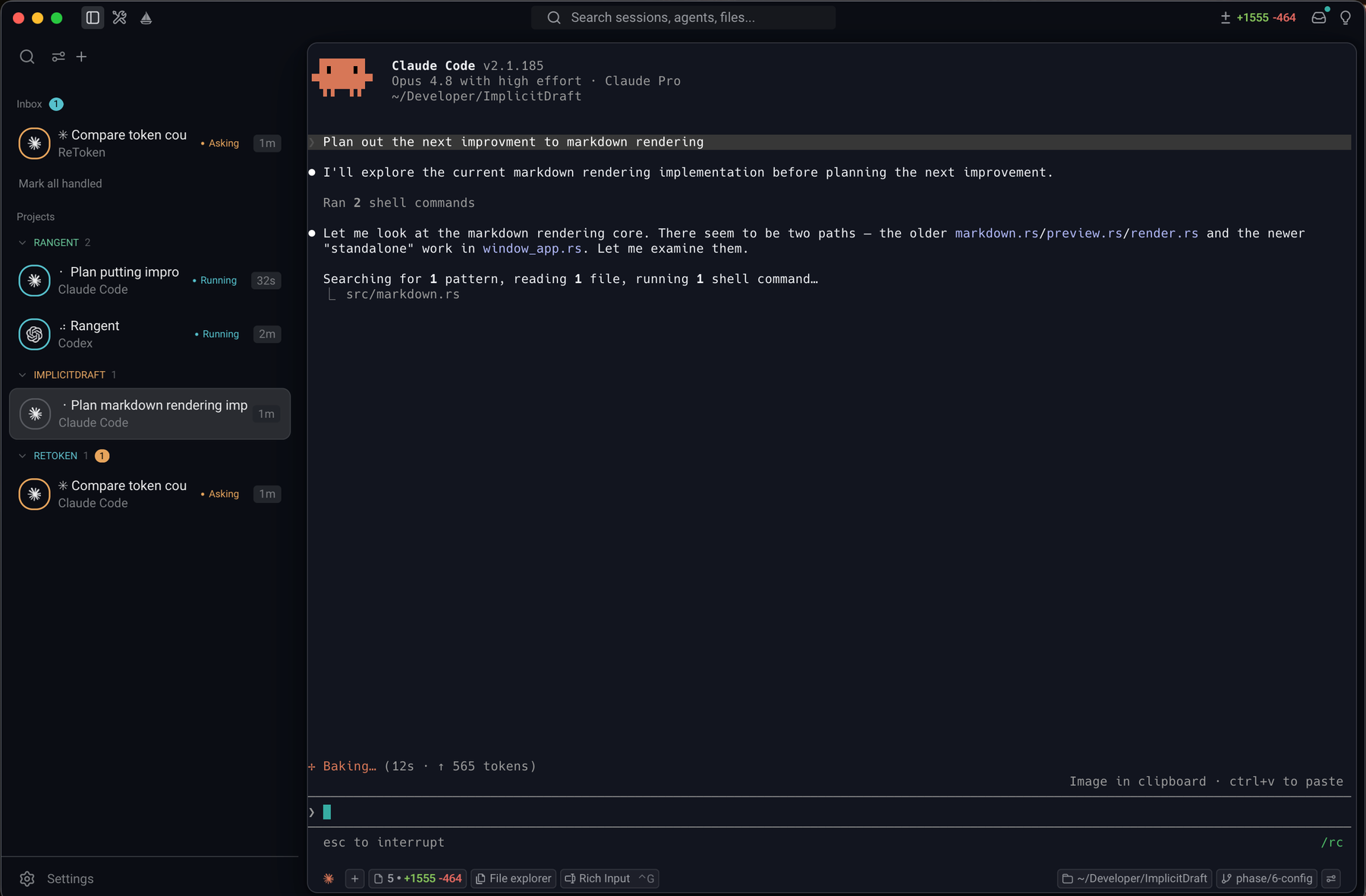
Details that keep you in flow
Built-in file explorer
Browse the project tree beside the active agent: open a file, check the structure, and keep the conversation going without leaving the window.

Search your sessions
Find that command, error, or answer from any past run. Search across every agent session, not just the scrollback in front of you.
History & autocomplete
Built-in command history and inline autocomplete: recall what you ran before and complete commands as you type, without leaving the agent.
Built-in markdown viewer
Plans, specs, and READMEs render right inside the app, so you read what your agent writes as formatted markdown, not raw text.
Code review panel
Review every change your agent makes in a built-in diff panel: see exactly what was edited before you accept it.
Sail keep-awake
One click keeps your Mac awake and the screen on, so long agent runs finish unattended instead of stalling on sleep.
Fast native terminal
Built on a GPU-accelerated core, so scrollback and live agent output stay smooth even under heavy load.
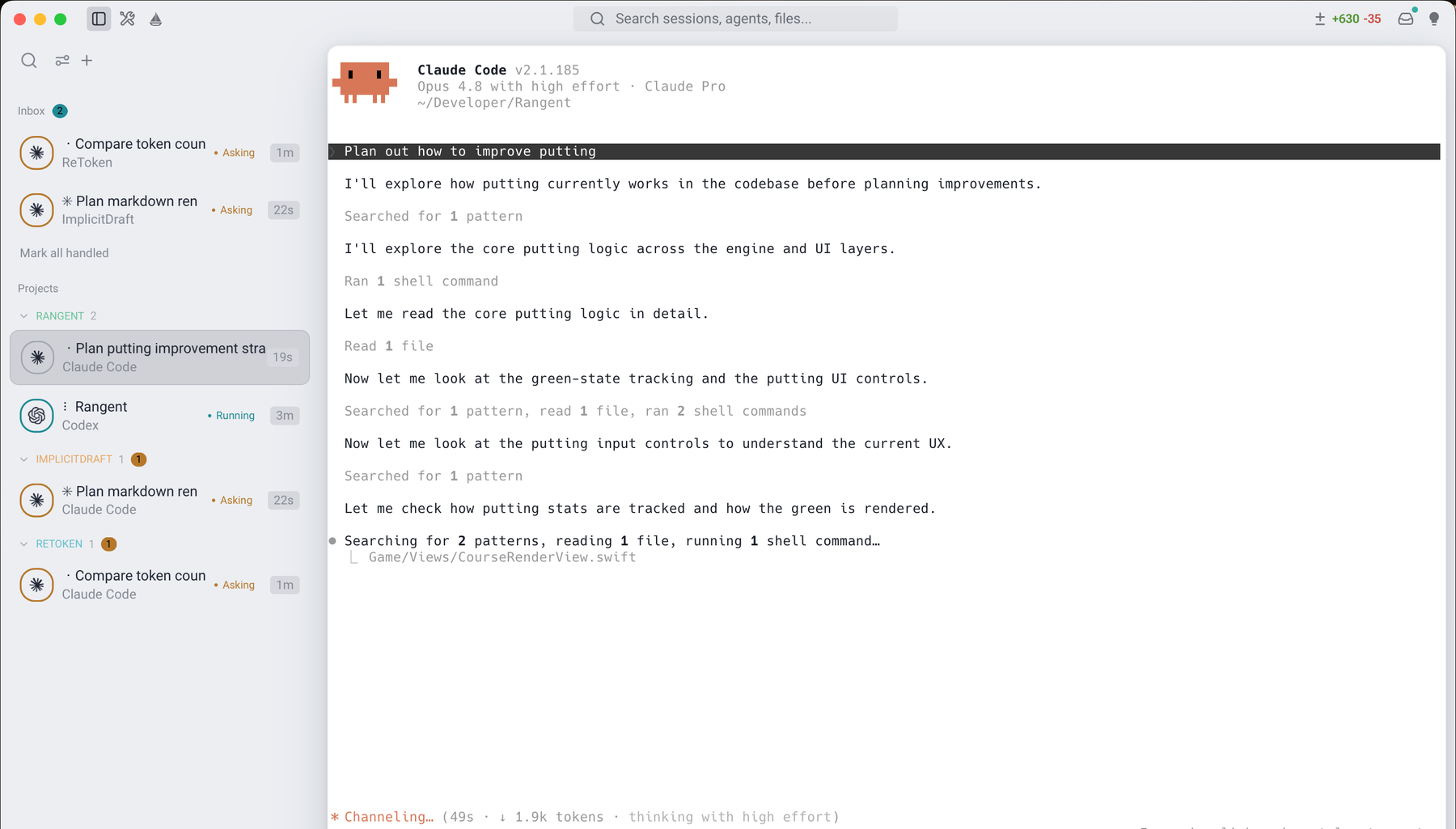
A graceful, modern interface in any light
Shipwright is designed to feel calm and considered the moment you open it. Switch between a deep, focused dark mode and a clean, airy light mode, and the whole interface follows, from chrome to agent output.

Ready to set sail?
Download the latest macOS build and open the DMG.
v0.3.3 · macOS 13+ · Apple Silicon + Intel